Part No. 532-MBP-MCM4
Model: Port 4 from Modbus Plus to Modbus primary/secondary gateway
Brand: PROSOFT
summarize
ProLinx Modbus Plus to Modbus Master/Slave Gateway Establishes a strong connection between devices on the Modbus Plus network and Modbus devices. This one stands alone
The DIN Rail mounting Protocol gateway offers one Modbus Plus port and up to four Modbus-enabled serial ports. The Modbus Plus protocol driver supports DB9 female Modbus
Plus port. Master and slave implementations of the protocol. The Modbus Plus port is fully configurable. The Modbus protocol driver supports both master and slave implementations of the protocol. All Modbus serial
Each port can be configured individually, providing a very powerful and flexible host or device interface solution.
The MBP-MCM module is the ideal solution for many applications where the Modbus Plus connection can be used to integrate Modbus devices into the system.
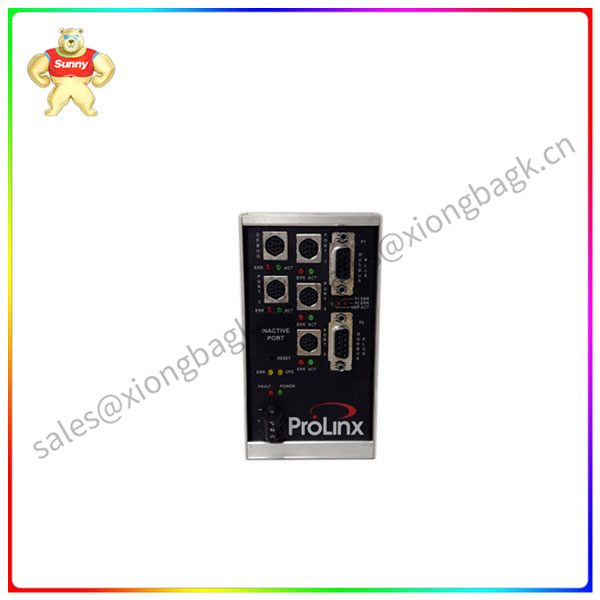
The Modbus Plus Gateway is a powerful module that supports both clients and servers and easily connects to Rockwell Automation PLCS (CLX, SLC, PLC, CPLX and similar devices
Ready). Combined with Modbus device support, this module provides a very powerful interface to many ASCII devices used in today's I-industry market. The application of this module has applications in most industries, especially
This includes manufacturing, oil and gas, electricity and food processing. Specifications Internal database The ProLinx module contains an internal database consisting of application data, status information, and configuration information areas
Domain composition. The internal database is shared between all ports on the module and is used as a conduit to pass information from devices on one network to one or more devices on another network. Number of applications
The data area is used for storing and retrieving data through protocol drivers and for data exchange between protocols. This database is used as the source for writing commands to the remote device and saving the collection from the remote device
The data. The commands defined in the configuration file (stored in the configuration data area) control how data is processed in the database. Status Data area This area is used to store error codes for each port,
Counter and port status information. Configuration Data area This area contains module configuration information, such as port configuration, network information, and command configuration.


