Technical specifications for IC693ACC337
Brand GE Fanuc
Series Series 90-30
Part number IC693ACC337
Mounting DIN rail
The installation takes about 2 minutes
Product Type Terminal quick connection system
Supported components Programmable controller
System operating temperature 0 to 55 degrees Celsius (32 to 131 degrees Fahrenheit)
Simulation modules are not recommended
Connected 32 integrals
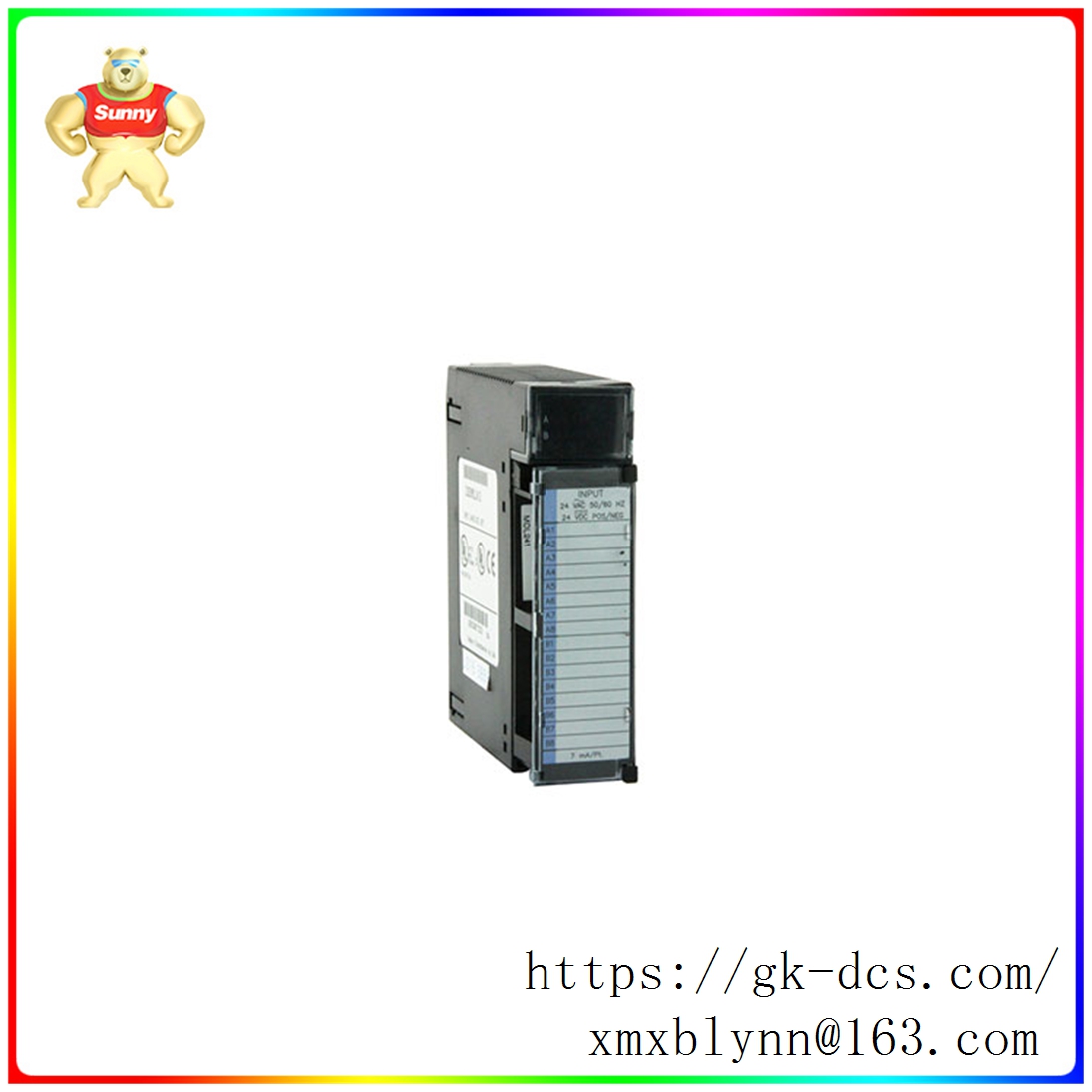
The IC693ACC337 device manufactured by GE Fanuc is a terminal rapid connection system or TBQC system. The terminals are part of the GE discrete I/O module 90-30 series. The terminal quick connection system provides many benefits to the machine when installing the machine. It allows the I/O module to be quickly connected to the terminal. To connect the TBQC system, the user simply snaps it into an ordinary DIN rail. They then only need to install a factory-made cable between the TBQC system connector and the I/O module connector. This allows the user to install and use the device effortlessly. However, the TBQC system is not suitable for analog modules because it does not meet the recommended protection requirements for analog modules. Installing the IC693ACC337 terminal Block Quick Connect system takes about 2 minutes.
The GE Fanuc IC693ACC337 terminal block Rapid Connection system is equipped with 3 rows of connectors, divided into 3 different levels. These 3 layers are equipped with an easy-to-use external screw that has a rising cage connection method. The input to the TBQC system varies depending on the type of module that is paired. However, it includes 32 points of 24 volt DC +/-, 32 points of 5/12 volt DC TTL +/- logic, 5/24 volt DC (output) (-) logic, also 32 points, and 12/24 volt DC (output) (+) 0.5 amp logic at 32 points. The GE Fanuc IC693ACC337 Terminal Block Rapid Connection system is the only terminal block system compatible with the 32-point modules in the GE Series 90-30. However, 2 blocks are required to properly install and use the device.


